

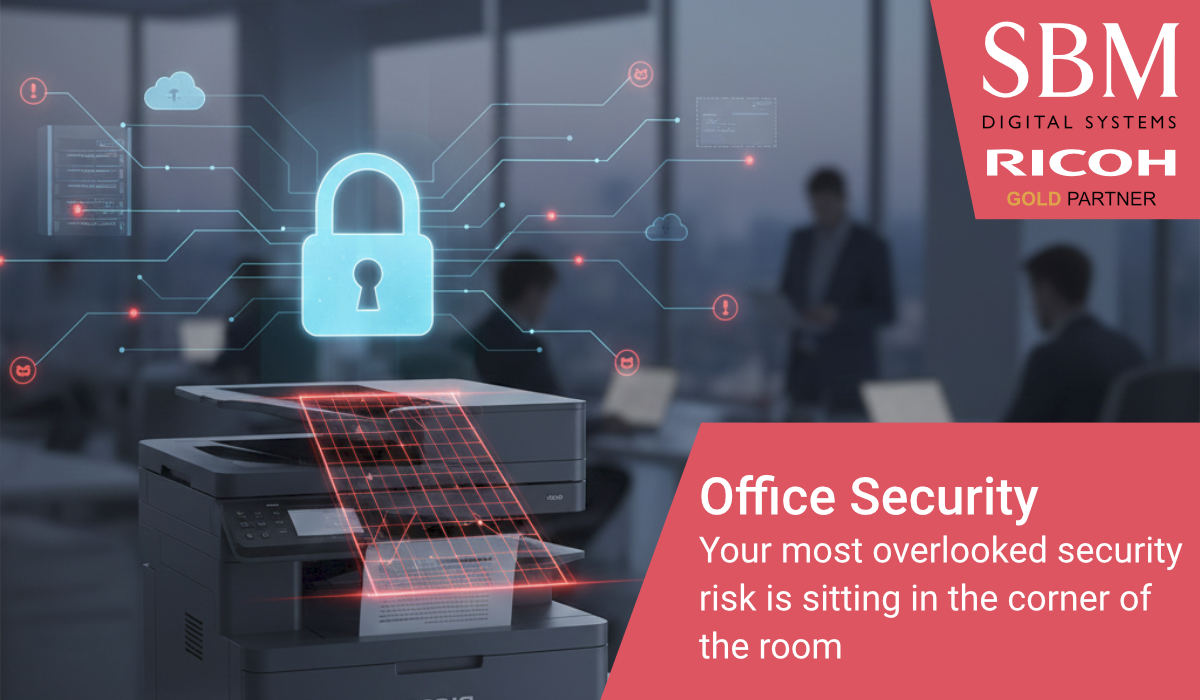
When we think about cybersecurity, our minds usually jump to complex firewalls, encrypted emails, and anti-virus software. We envision hackers trying to break through the digital front door of our servers. However, many businesses overlook a significant piece of hardware that sits directly on their network: the multifunctional device.
Modern printers and copiers are essentially sophisticated computers. They have hard drives, operating systems, and a permanent connection to your network. If they are not managed with the same scrutiny as your laptops or servers, they can become a silent vulnerability in an otherwise secure office.
The vulnerability of the paper trail
Security is not just about digital hacking; it is also about physical data protection. We have all seen it: a sensitive document, perhaps containing payroll data or client contracts, sitting on a printer tray because someone got distracted after hitting print.
This is a clear breach of data privacy, but it is one that is easily solved. By moving toward a “Locked Print” or “Hold Print” environment, documents are only released when the user is physically present at the device to authenticate themselves. This simple change in habit ensures that sensitive information never sits unattended in a public space.
Protecting the data at rest
Because modern devices process so much information, they often store images of scanned or printed documents on an internal hard drive. For a business concerned with GDPR and data compliance, this should be a primary focus.
Authority-led security means ensuring that this “data at rest” is encrypted. Many modern systems, such as those developed by Ricoh, now include features that automatically overwrite the hard drive after every job. This ensures that even if the hardware were to be removed from the building, the data stored on it would be impossible to recover. It is about making sure your hardware doesn’t keep secrets it shouldn’t.
The printer as a network gateway
As we move toward more integrated offices, our devices are increasingly connected to cloud services like OneDrive, SharePoint, or Dropbox. This connectivity is brilliant for productivity, but it requires robust network security.
Your multifunctional device should be treated as a secure gateway. This involves using the latest security protocols and ensuring that firmware is kept up to date to patch any known vulnerabilities. When your hardware is managed as part of a holistic security strategy, it stops being a potential weak point and starts being a frontline defender of your digital workflow.
Compliance is not an optional extra
In the current regulatory climate, security is not just about peace of mind; it is about compliance. Whether you are handling medical records, legal documents, or simple employee information, you have a duty to protect that data throughout its entire lifecycle.
A secure document environment ensures that your information is protected from the moment it enters the scanner to the moment it leaves the printer tray. By treating your office hardware with the same respect as your IT infrastructure, you remove the “friction” of security risks and allow your team to work with total confidence.