


In today’s fast-paced business world, the shift to electronic document management (EDM) is more than just a trend – it’s a necessity for efficiency, security, and compliance. But for many companies, the journey from physical files to digital archives raises a host of questions and concerns. At SBM Digital, we frequently speak with organisations grappling with the practicalities and anxieties of going digital. This post aims to demystify those common worries and provide clear insights into how modern EDM systems effectively manage your crucial information.
Where Do Documents Go? The Capture & Ingestion Journey
- The Concern: “Where do scanned documents actually go? How are they named?”
- Addressing It:
- Scanning & Capture: When a physical document is scanned, it’s transformed into a digital image (e.g., PDF, TIFF). Modern EDM systems integrate directly with scanners and multifunction printers (MFPs), allowing documents to be sent straight into the system.
- Optical Character Recognition (OCR): A crucial step! OCR technology converts the image of text into searchable, editable text. This means your scanned invoice isn’t just a picture; it’s a document whose content can be searched, just like a Word file.
- Intelligent Indexing & Naming: This is where the magic happens. Instead of manual naming, EDM systems use various methods:
- Metadata Capture: Information like date, document type, customer name, or invoice number can be automatically extracted from the document (using OCR and predefined templates) or prompted for manual entry. This metadata becomes the “tags” that define and organize your document.
- Automated Naming Conventions: Based on this metadata, the system can automatically assign consistent, logical file names (e.g.,
INVOICE_AcmeCorp_20250703_001.pdf). This eliminates human error and ensures uniformity. - Direct Saving into Predefined Structures: Users can often save directly into specific folders or categories within the EDM system, guided by pre-set rules.

Finding What You Need: Retrieval & Accessibility
- The Concern: “How are documents found and retrieved once they’re in the system?”
- Addressing It:
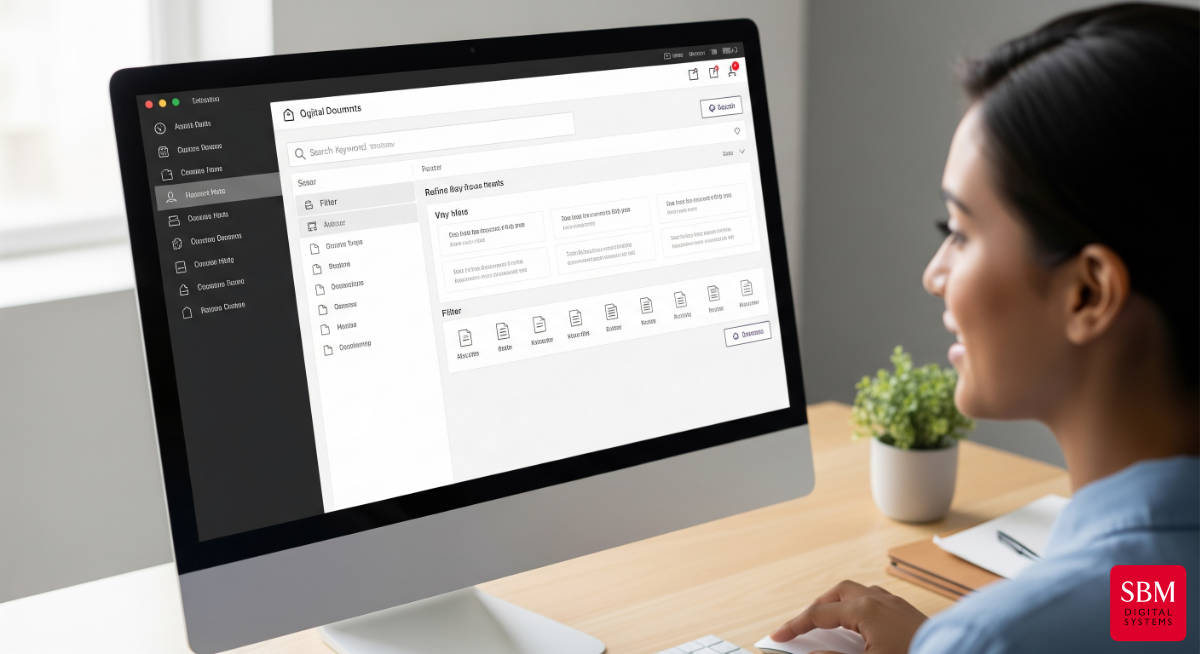
- Powerful Search Capabilities: Forget sifting through endless folders. EDM systems offer robust search functions far beyond what you can do on a shared drive:
- Full-Text Search: Thanks to OCR, you can search for any word or phrase contained within the document, even if it’s a scanned PDF.
- Metadata Search: Easily filter and find documents based on the captured metadata (e.g., “all invoices from Acme Corp in Q2 2025”).
- Saved Searches & Favorites: For frequently accessed documents or specific search criteria, users can save queries for instant retrieval.
- Version Control: A common frustration with traditional filing is knowing if you have the latest version. EDM systems automatically track every change, who made it, and when. You can easily view previous versions and revert if necessary, ensuring everyone is always working with the most current information.
- Accessibility Anywhere: Modern EDM solutions often include web-based clients and mobile apps, allowing authorised users to securely access documents from any location – whether in the office, at home, or on the go.
- Powerful Search Capabilities: Forget sifting through endless folders. EDM systems offer robust search functions far beyond what you can do on a shared drive:
The Cornerstone: Security, Access Control & Audit Trails
- The Concern: “Are my documents secure? How do I ensure only the right people access them? Is there an audit trail?”
- Addressing It: This is arguably the most critical aspect, and good EDM systems excel here.
- Robust Security Measures:
- Encryption: Documents are typically encrypted both at rest (when stored) and in transit (when being accessed or moved).
- Role-Based Access Control (RBAC): This is fundamental. Access isn’t granted universally; instead, users are assigned roles (e.g., “Finance Team,” “HR Manager,” “Sales Associate”), and each role has specific permissions (view, edit, delete, print) for different document types or folders. This ensures only authorised individuals see sensitive information.
- User Authentication: Strong login protocols, often including multi-factor authentication, safeguard access to the system itself.
- Physical and Digital Protection: Data centres hosting cloud-based EDM solutions employ advanced physical security, firewalls, intrusion detection, and disaster recovery protocols.
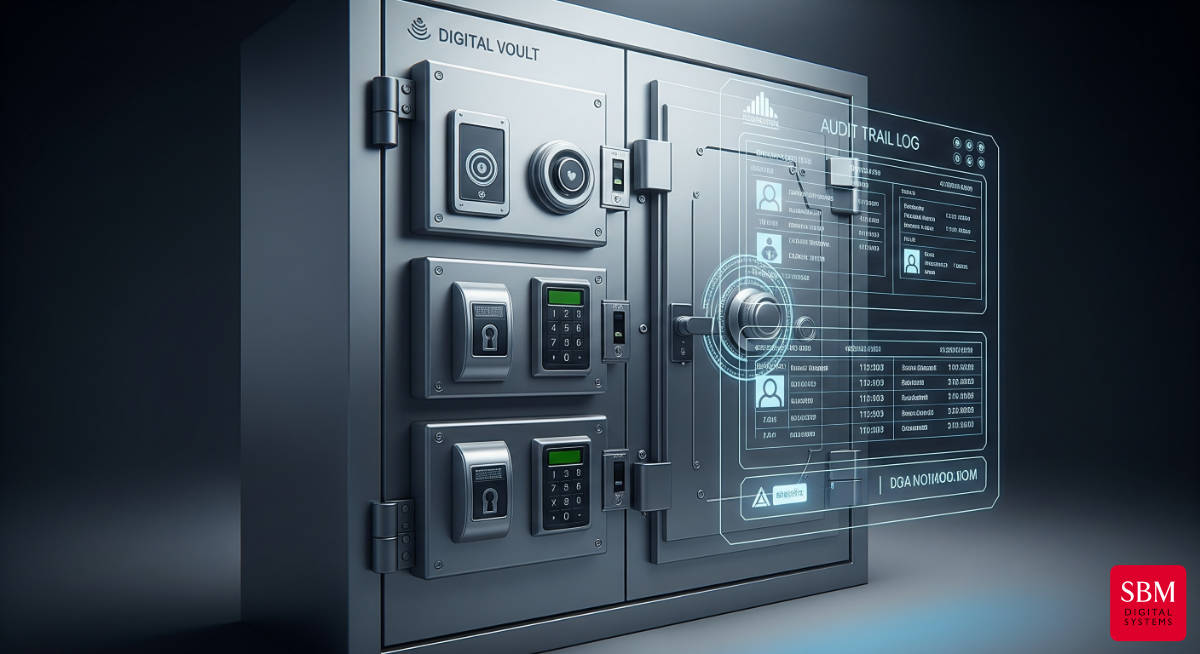
- Comprehensive Audit Trails: Every action performed on a document within the EDM system is logged and time-stamped. This creates an unalterable record that shows:
- Who accessed the document
- When they accessed it
- What changes were made (and by whom)
- If it was printed, downloaded, or shared
This transparency is vital for compliance, accountability, and investigating any security concerns.
- Robust Security Measures:
Leading Commercial EDM Systems: A Quick Look
While SBM Digital can guide you to the best fit, it’s helpful to understand some of the prominent players in the Electronic Document Management System (EDMS) market. Each has its strengths and sometimes, a few weaknesses.
- DocuWare:
- Strengths: Highly intuitive and user-friendly interface, strong workflow automation capabilities, excellent integration with Ricoh MFPs and other business applications, robust indexing and search. Scales well for various business sizes.
- Weaknesses: For very small businesses, the initial investment might seem higher than basic cloud storage, though the long-term ROI is significant. Can require some upfront configuration to tailor workflows perfectly.
- Microsoft SharePoint:
- Strengths: Deep integration with the Microsoft 365 ecosystem (Teams, Outlook, Word, Excel), excellent for document collaboration and internal portals, familiar interface for many users.
- Weaknesses: Can become complex to manage and govern without proper planning, especially for larger deployments. Its core focus isn’t always on advanced document capture and automated workflow beyond basic collaboration, often requiring custom development or third-party add-ons for specific EDM needs. Search can sometimes be less intuitive out-of-the-box compared to dedicated DMS.
- Therefore (by Canon):
- Strengths: Strong integration with Canon devices (similar to DocuWare with Ricoh), good for secure archiving and structured document management, solid search and retrieval features, good for compliance-heavy environments.
- Weaknesses: May have a steeper learning curve for new users compared to some more graphically intuitive systems. Workflow automation can be powerful but might require more technical expertise to set up complex processes.
- M-Files:
- Strengths: Unique “metadata-driven” approach means documents are organised by what they are rather than where they are stored, eliminating traditional folder structures. Excellent for connecting related documents across different systems, strong version control and collaboration.
- Weaknesses: The paradigm shift from traditional folders can take some getting used to for users. May require a more significant change management process within an organisation to fully leverage its unique strengths.
Conclusion:
Electronic document management is a strategic investment that addresses critical business concerns head-on. From ensuring every scanned document is precisely named and easily found, to guaranteeing impenetrable security and a transparent audit trail, modern EDM systems provide the robust framework your business needs to thrive in the digital age.
At SBM Digital, we specialise in helping businesses like yours navigate these complexities and implement the right EDM solution to fit your unique needs. Don’t let common concerns hold you back from the immense benefits of digital document management.
Call to Action:
Ready to explore how a tailored Electronic Document Management system can bring clarity, security, and efficiency to your operations? Contact SBM Digital today for a no-obligation consultation.